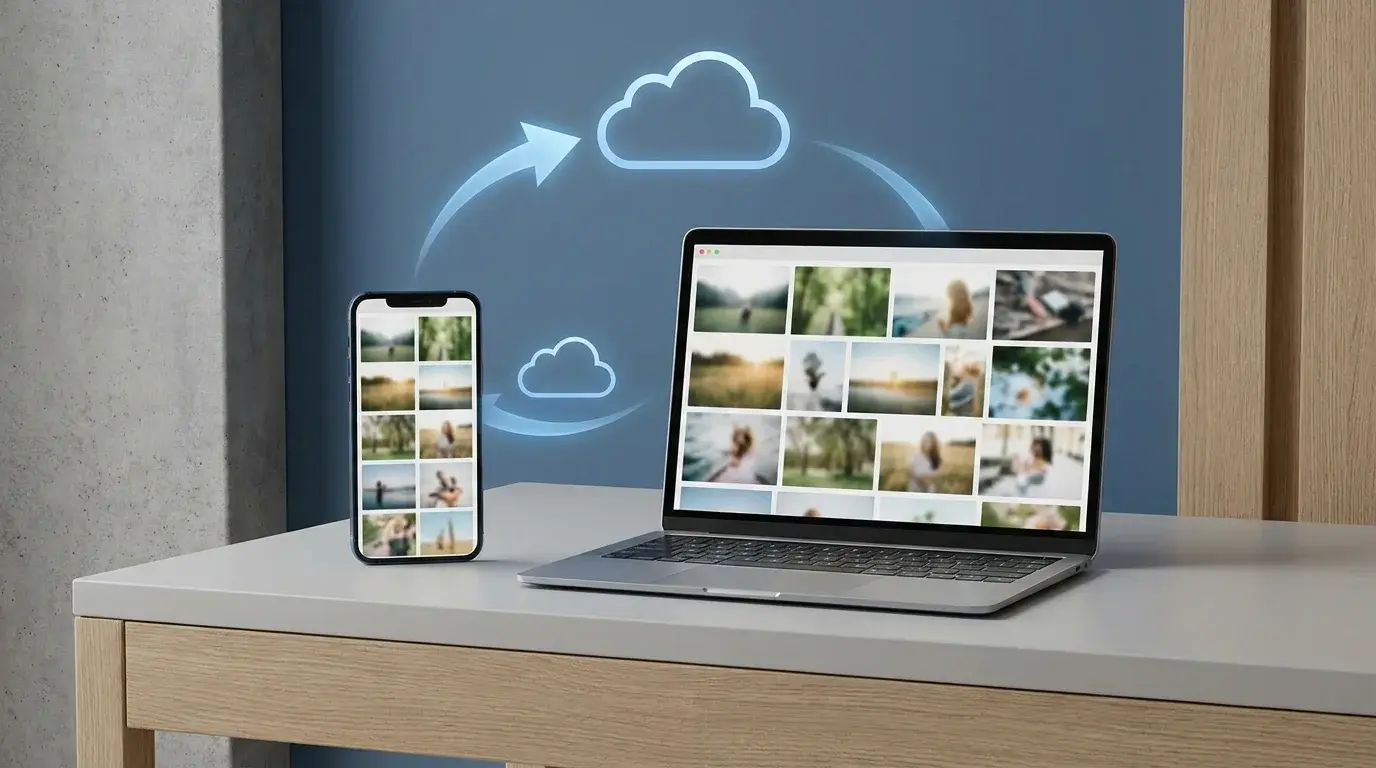
How to Add Photos to Google Photos from a Phone or Computer
Learn how to add photos to Google Photos manually, enable phone backup, upload files from a computer, and check that your pictures have finished uploading.
Comprehensive explanations, practical guides, and hardware breakdowns covering google-photos. Every article is fact-checked against primary sources.

Learn how to add photos to Google Photos manually, enable phone backup, upload files from a computer, and check that your pictures have finished uploading.

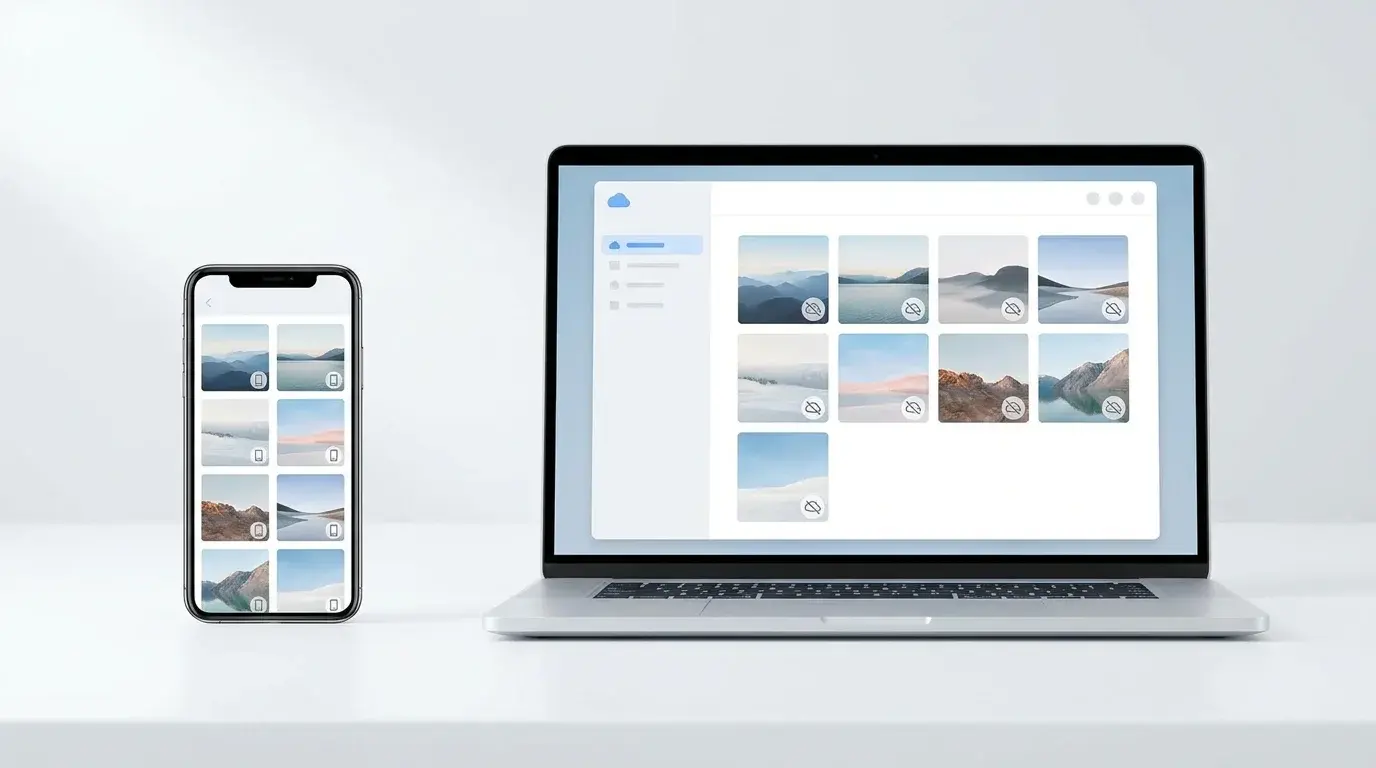
Learn how to bulk-delete photos and videos from Google Photos on a computer or phone, understand what happens to synced copies, and avoid irreversible mistakes.

Remove backed-up photos from Google Photos while keeping local copies on your Android or iPhone. Follow the safe web-deletion steps and learn when to use Undo backup.

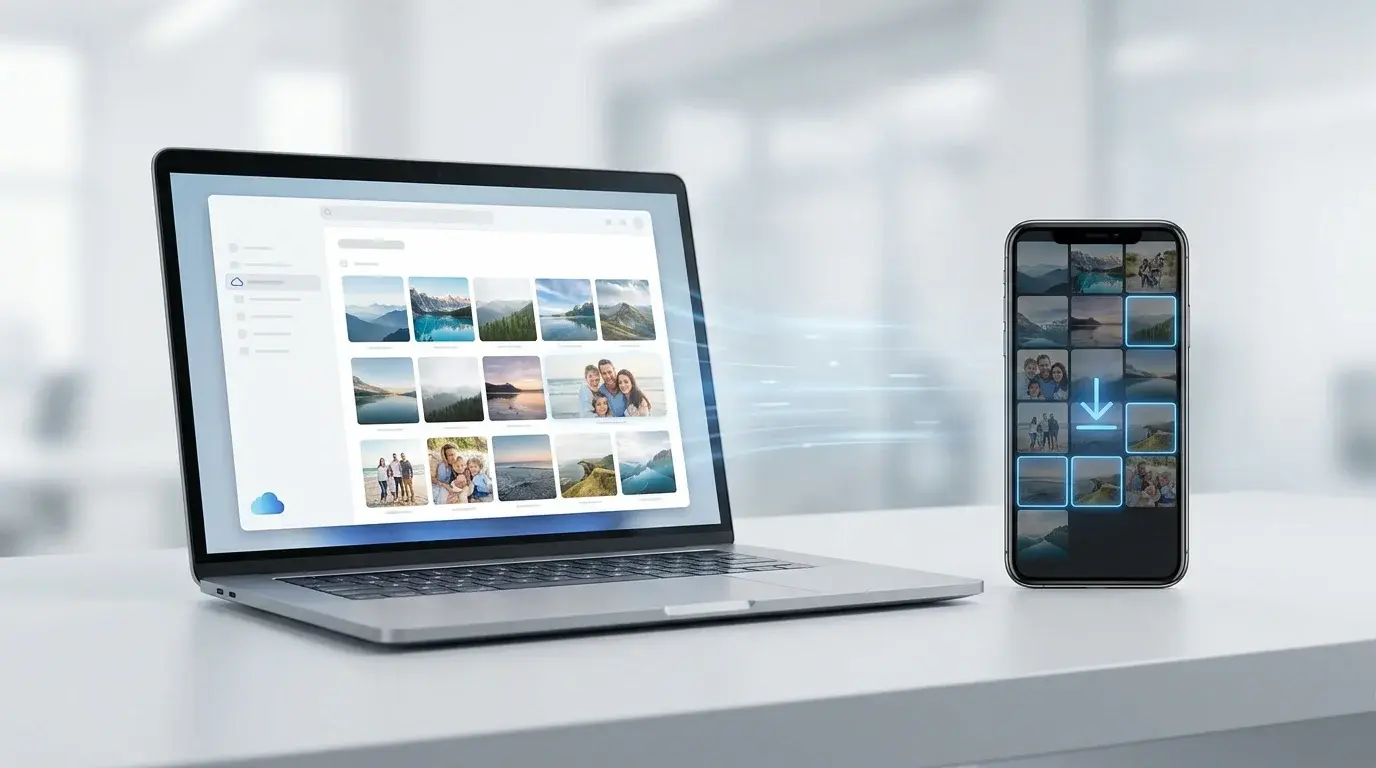
Download individual photos from Google Photos to Android, iPhone, or a computer, save selected groups, or export your entire library with Google Takeout.

Free up Google Photos storage by reviewing large files, cleaning up unwanted photos, and converting eligible existing backups to Storage saver.

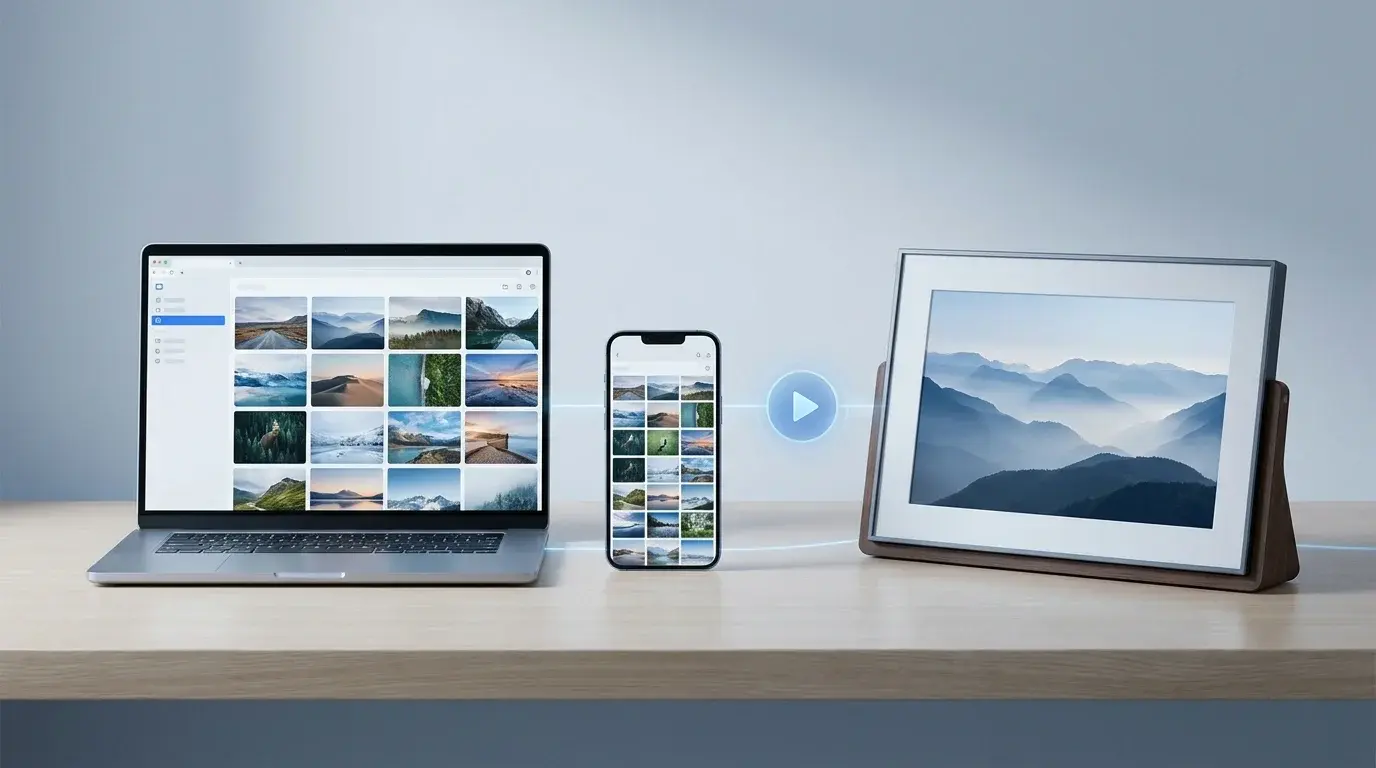
Learn how to create an animation from Google Photos, find saved creations, and display selected albums as a slideshow on compatible photo frames and smart displays.

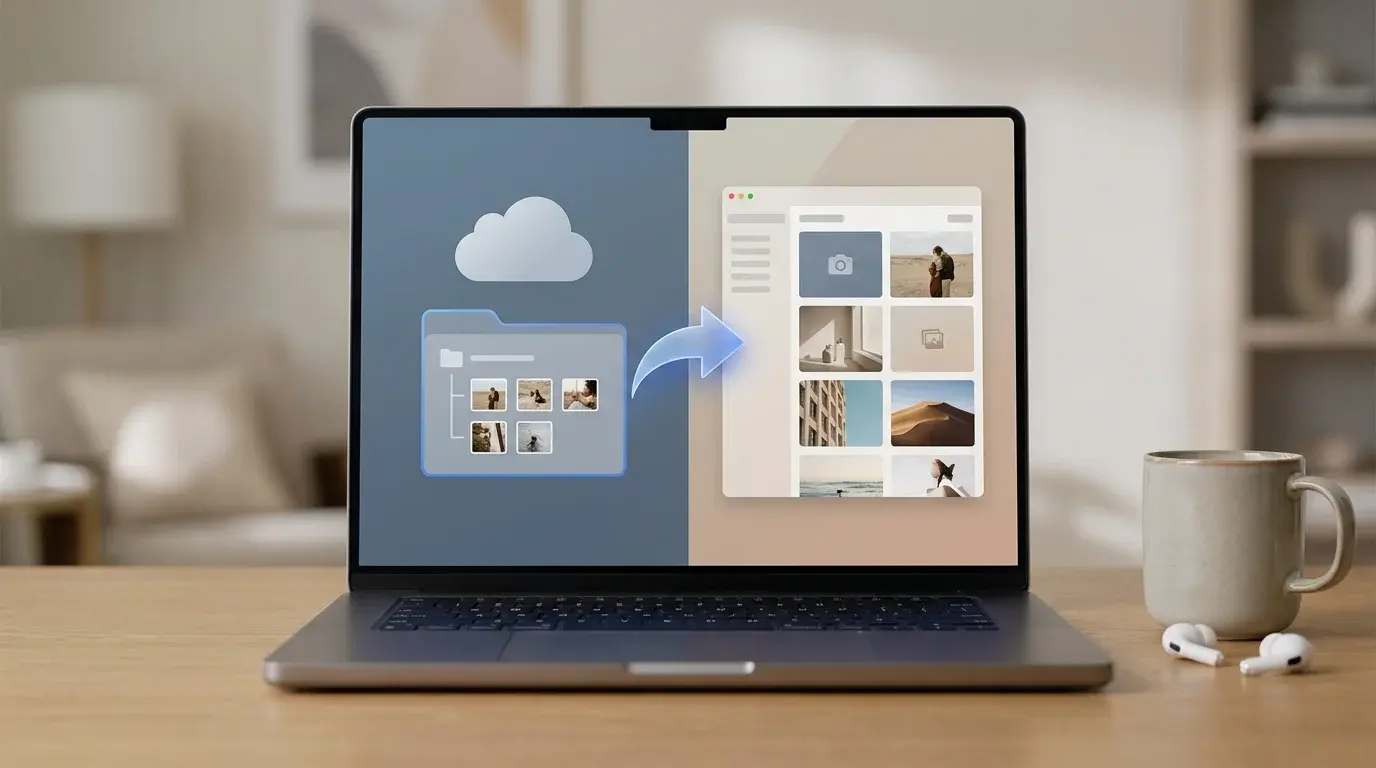
Add photos from Google Drive to Google Photos, understand account limitations, check supported formats and storage, and avoid deleting originals by mistake.

Organize Google Photos with albums, search, and Archive. Learn a simple system for finding pictures, grouping memories, and hiding clutter without deleting photos.

Learn how to select multiple Google Photos at once on a computer, Android, or iPhone using Shift-click or touch-and-hold, plus safe bulk-action tips.

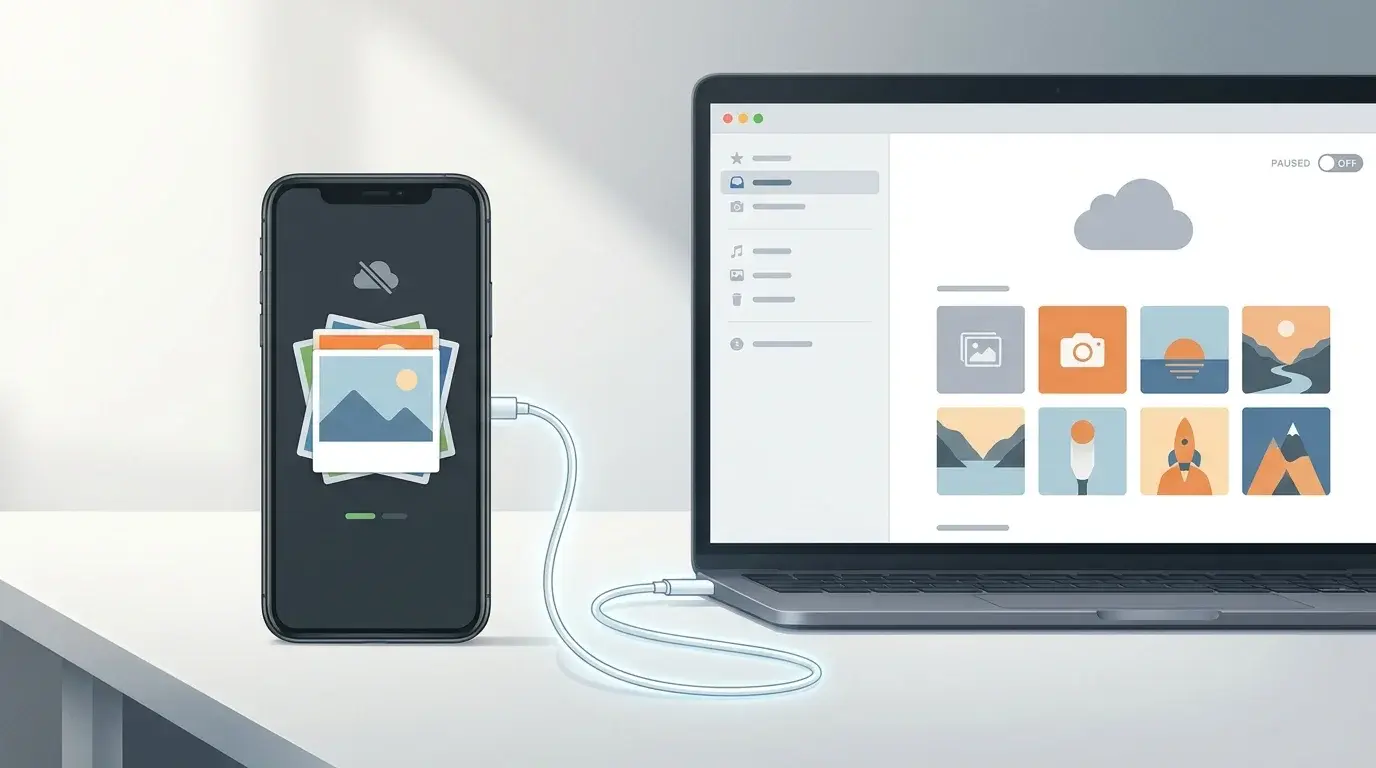
Turn off Google Photos backup on Android or iPhone, stop selected Android folders from uploading, and understand what happens to photos already backed up.