
How to Compare Laptop Processors in 2026: NPU, Architecture, and Real Battery Life
Choosing a laptop used to be a simple duel between Intel and AMD. Today, with ARM architecture, Apple Silicon, and dedicated neural processors (NPUs), here is what actually matters for daily performance and battery endurance.
Hardware & Consumer Tech Editor
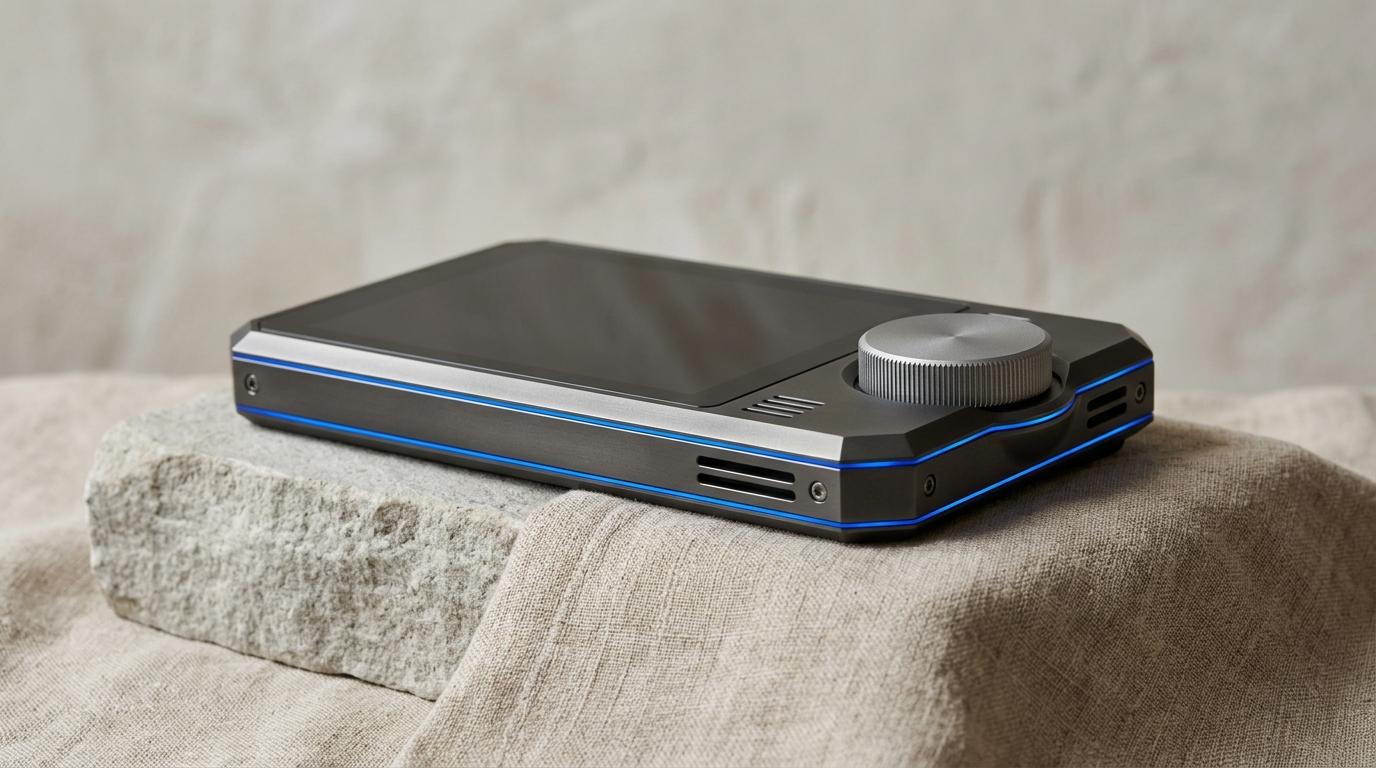
Studio still life of high-precision anodized dark titanium and aluminum chassis with electric blue edge accent
Table of Contents (10 sections)
- 1. The Architecture Divide: ARM vs. x86
- ARM (Apple Silicon, Qualcomm Snapdragon)
- x86-64 (Intel Core Ultra, AMD Ryzen AI)
- 2. What Is an NPU and Do You Actually Need 40+ TOPS?
- Do you actually need a high TOPS rating?
- 3. Real-World Recommendation Matrix
- The Student or Traveling Business Professional
- The Specialized Professional or PC Gamer
- The Video Editor and Digital Creator
- The Verdict
Walking down the laptop aisle or browsing PC retailers today is more complicated than ever. Where laptop specification stickers once bragged about gigahertz and core counts, you now encounter confusing terms like "45 TOPS NPU," "ARM64 Architecture," "Efficiency Cores," and "Copilot+ Ready."
Furthermore, laptop chips are no longer made exclusively by Intel and AMD. Qualcomm's Snapdragon X series has brought the battery-sipping advantages of smartphone chip design to mainstream Windows laptops, while Apple continues iterating its custom M-series silicon with exceptional thermal efficiency.
If you are shopping for a new laptop for school, remote office work, or creative projects, here is a straightforward guide to cutting through the marketing acronyms.
1. The Architecture Divide: ARM vs. x86
Every computer processor interprets software instructions through an underlying architecture. Today's market is split into two competing design philosophies:
ARM (Apple Silicon, Qualcomm Snapdragon)
- Origin: Designed originally for battery-constrained mobile phones.
- Key Advantage: Superior performance-per-watt. Laptops run cool to the touch, frequently without noisy internal cooling fans, and can deliver 15 to 22 hours of real web-browsing battery life.
- The Catch: Windows on ARM relies on an emulation layer (Prism) for older legacy Windows software. While 95% of standard office apps (Word, Chrome, Slack, Zoom, Photoshop) run natively, certain anti-cheat software in PC games and niche legacy enterprise drivers still encounter hiccups.
x86-64 (Intel Core Ultra, AMD Ryzen AI)
- Origin: The traditional PC foundation that has powered desktop computing for four decades.
- Key Advantage: Unmatched software compatibility. Every legacy Windows utility, specialized accounting program, audio plugin, and PC game runs without emulation.
- Recent Evolution: Both Intel (with its Lunar Lake and Arrow Lake generations) and AMD (with Strix Point) adopted aggressive low-power design patterns, dramatically closing the battery gap with ARM.
2. What Is an NPU and Do You Actually Need 40+ TOPS?
Processor makers now divide chip silicon into three distinct processing engines:
- CPU (Central Processing Unit): Handles general computing, operating system responsiveness, web browsing, and document calculations.
- GPU (Graphics Processing Unit): Renders 3D graphics, games, video export timelines, and animations.
- NPU (Neural Processing Unit): A dedicated, highly parallelized accelerator engineered specifically to run matrix multiplication for AI algorithms using tiny fractions of a watt.
The metric used to measure NPU performance is TOPS (Trillions of Operations Per Second).
| Chip Family | Architecture | NPU Rating | Real-World Battery Tier |
|---|---|---|---|
| Apple M3 / M4 | ARM (macOS) | 18 – 38 TOPS | 16 – 20 Hours |
| Qualcomm Snapdragon X Elite / Plus | ARM (Windows) | 45 TOPS | 15 – 22 Hours |
| Intel Core Ultra (Series 2 / Lunar Lake) | x86 (Windows) | 40 – 48 TOPS | 14 – 18 Hours |
| AMD Ryzen AI 300 Series | x86 (Windows) | 50 – 55 TOPS | 12 – 16 Hours |
Do you actually need a high TOPS rating?
Microsoft established a minimum threshold of 40 TOPS to unlock native "Copilot+ PC" features in Windows 11, such as Windows Studio Effects (background blur, eye contact correction, voice isolation), real-time live captions with translation, and on-device image generation.
If your daily routine consists of drafting emails, web research, streaming video, and spreadsheet modeling, a 45 TOPS NPU will not make your web browser load faster. Its real value lies in offloading background tasks (like microphone noise removal on video calls) so your main CPU can sleep, preserving hours of battery life.
3. Real-World Recommendation Matrix
To choose the right processor for your needs, match your primary workflow below:
The Student or Traveling Business Professional
- Priority: All-day battery life (12+ hours off the charger), instant wake-up, light weight, quiet operation.
- Recommended Pick: MacBook Air (M3 or M4) or a Windows Copilot+ laptop powered by Qualcomm Snapdragon X Plus or Intel Core Ultra Series 2.
- Avoid: Heavy gaming laptops equipped with 45W-100W desktop-class processors and power bricks that weigh as much as the computer.
The Specialized Professional or PC Gamer
- Priority: 100% compatibility with specialized desktop software, corporate VPNs, engineering tools (CAD), audio DAWs, or PC gaming.
- Recommended Pick: Intel Core Ultra or AMD Ryzen AI with dedicated graphics (NVIDIA RTX).
- Why: x86-64 ensures zero compatibility hurdles with legacy peripheral drivers or third-party game anti-cheat engines.
The Video Editor and Digital Creator
- Priority: Sustained multi-core rendering, unified high-bandwidth memory, hardware-accelerated video codecs (ProRes, AV1, HEVC).
- Recommended Pick: Apple MacBook Pro (M-Pro/Max) or high-tier Intel Core Ultra / AMD Ryzen AI paired with 32GB+ RAM.
The Verdict
In 2026, raw CPU clock speed is no longer the metric that defines a great laptop experience. Pay close attention to architecture efficiency and memory configurations. Never purchase a machine with less than 16GB of RAM—especially with on-device AI models demanding a permanent slice of system memory. Prioritizing efficiency over peak wattage will reward you with a laptop that stays silent, cool, and running long after the airport waiting area outlets have all been taken.
Verified Primary Sources & Citations
NextTechExplained verifies facts against official documentation, engineering whitepapers, and regulatory filings.
- Microsoft Support — Copilot+ PC Hardware Architecture & NPU SpecificationsView Official Source
- Intel Corporation — Core Ultra Processors Technical WhitepaperView Official Source
- Qualcomm Snapdragon — Snapdragon X Elite Platform Performance BriefView Official Source
Written by Marcus Vance
Hardware & Consumer Tech Editor at NextTechExplained
Contributor to NextTechExplained focusing on consumer computing hardware, laptop processor architectures, networking standards, and smart home connectivity.
Related Explanations & Guides

What to Check Before Enabling On-Device AI Features on Your Phone
From automated call transcripts to generative writing tools, modern smartphones are packing artificial intelligence into everyday apps. Here is how to verify what stays private.
How to Assess Smart-Home Device Compatibility Before You Buy
A practical guide to cutting through the confusion of Matter, Thread, Zigbee, and platform ecosystems so your smart plugs, bulbs, and sensors work together reliably.
How to Audit and Lock Down App Permissions on iOS and Android
A step-by-step security walkthrough to stop apps from tracking your location in the background, eavesdropping on your local network, or scanning your entire photo library.